Docs

R-report Documentation / Getting started

Getting started

A short path from your first source to a useful, reviewable note.

What R-report is

R-report is a learning and knowledge workspace built around notes. Bring in an idea, develop it with structured editing and AI, then review it through Study or share it as an Open Note.

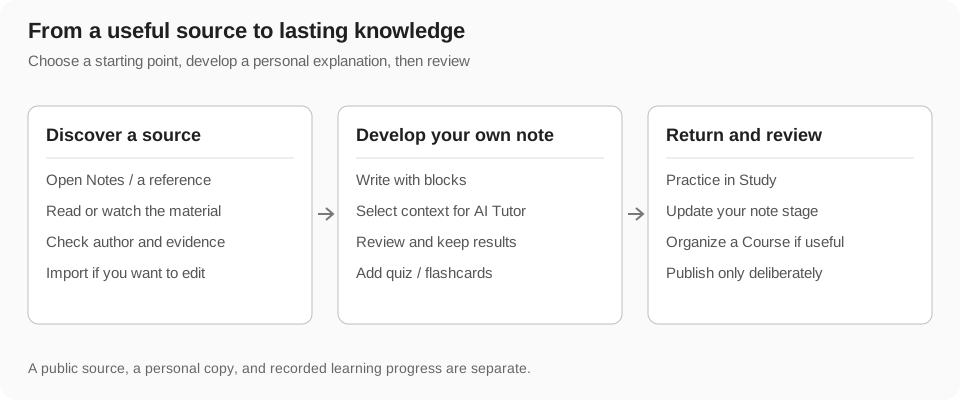
The product is designed around a connected loop: source → note → AI → course → study. You can start at any point in that loop and keep the result in your workspace.

Your first session

  1. Create an account or sign in with the available authentication options.
  2. Create a note from your workspace, or open an existing public note from Open Notes.
  3. Write with blocks, attach source material, and use the note-level or block-level AI tools when you need help.
  4. Mark the note for study, or add it to a Course when you want a more structured path.
Note. Some AI and messaging capabilities require an active subscription. The pricing page in the app shows the current plans and access rules.

Where to go next

  • Notes explains the block editor and note organization.
  • AI explains the context used by generation and study tools.
  • Courses turns a topic or existing material into a sequence of lessons.
  • Study explains progress, summaries, quizzes, flashcards, reading, XP, and rankings.
Getting started